Allocation & dispatch
Roster crews, check overlapping commitments and required qualifications, and save in-app notifications with phone push delivery where configured.
Learn moreAllocate crews, share shift documents, collect signed timesheets and review client booking requests in one portal. Connect supported accounting tools to export approved time and prepare invoices for review.


 Crew 07 on site · Stop/Slow


free trial to explore your workflow
Android and iPhone crew apps
first configured expiry reminder
company operations in one portal
From the first allocation to the final invoice, TrafWise follows the way your crews actually work.

Roster crews with qualification, overlapping-shift and rest warnings. Assign vehicles and equipment to shifts.

Share required SWMS and shift documents with workers. Review their current signatures before work starts.

Share site plans and collect shift reports. The live map shows location updates from workers who enable sharing.

Workers record their work and breaks, then collect the site manager's signature before submitting their timesheet.

Approve recorded hours, export supported time records and prepare client invoices using your configured rate. Review wages, taxes and invoice details in your accounting system.
Manage shifts, crew access, documents, equipment and approved time together. Planned portal features are clearly labelled.
Roster crews, check overlapping commitments and required qualifications, and save in-app notifications with phone push delivery where configured.
Learn moreShare current SWMS, capture worker signatures and collect shift reports. Available tools appear in the portal; planned tools are labelled.
Learn moreAttach traffic guidance schemes, TMPs and permits to every job so the crew always has the right plan.
Learn moreCapture work, break and travel segments with worker and site manager signatures. The office approves hours before export.
Learn moreTrack blue cards, white cards, TC/TMI tickets, licences and inductions, with automatic expiry alerts.
Learn moreFlag long shifts, weekly hours and insufficient rest for office review. Overlapping accepted shifts are blocked.
Learn moreBook utes, TMAs, VMS boards, arrow boards, cones and signs. Track servicing, rego and where every asset is.
Learn moreExport approved time using supported accounting connections, and create client invoice records at your configured hourly rate. Review payroll rates and taxes in your accounting system.
Learn moreLeave your work email and we will contact you to arrange a demonstration. Or try the crew app now with sample data, no sign-up needed.
Illustrative workflow preview with sample values.
See who's where, which jobs are short-staffed, and what's ready to invoice, all on one screen.


| Crew member | Traffic control ticket | White card | Driver licence | Fatigue |
|---|---|---|---|---|
| Amara O. | Valid · 2028 | Valid | Valid | Rested |
| Jae P. | Expires 12 days | Valid | Valid | Rested |
| Priya S. | Valid · 2027 | Valid | Valid | 10h break due |
| Tui M. | Valid · 2029 | Missing | Valid | Rested |
| Luis R. | Valid · 2027 | Valid | Expires 21 days | Rested |
From the owner in the office to the controller holding the bat, everyone sees exactly what they need.

Review shifts, crew responses, equipment and submitted hours in your operator workspace.

Roster upcoming shifts with qualification, rest and overlap checks.

Shifts, site maps, pre-starts and dockets in one simple app.

Submit booking requests and sign crew timesheets with the site manager.

A field app for assigned shifts, safety documents and signed timesheets. Offline support depends on the workflow and a previously loaded shift.
Push notifications with the site address, start time, gear list and who else is on.
Supported work can queue on the device while offline. Reconnect and check the confirmed sync status before relying on submission.
Capture the site manager signature and submit hours for office review. Confirm the Sent status after synchronisation.
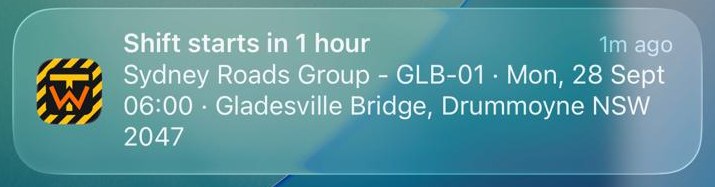
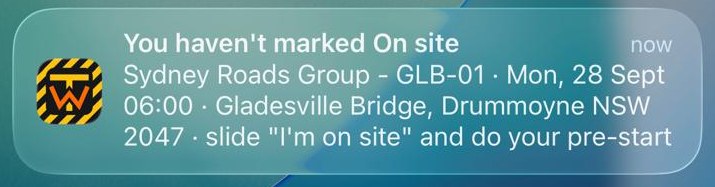
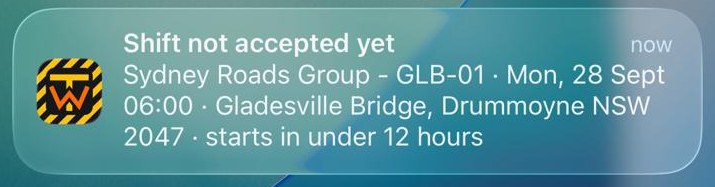
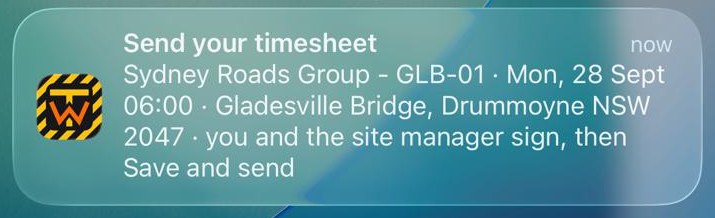
Examples of crew notifications. Phone delivery requires permission, a registered device and connectivity; completed steps suppress relevant reminders.
A reminder before the shift, when the relevant start steps are still outstanding.
Follow-up reminders prompt outstanding check-in and pre-start steps.
Unanswered shifts can trigger reminders and office alerts for follow-up.
Completion reminders follow the shift end, including overnight shifts, while sign-off remains outstanding.
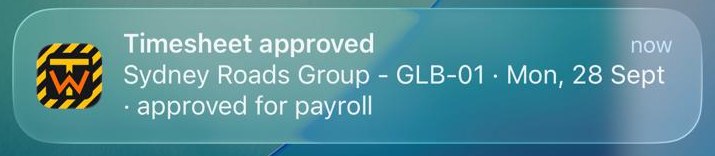
An in-app update records office approval, with phone push where configured.
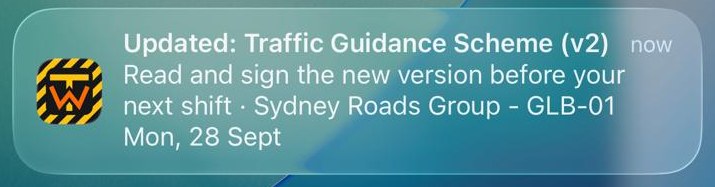
A new TGS or SWMS version? Crew are told to read and sign it again.
Configured break reminders prompt crew to review their rest needs.

Long-shift alerts support office review; they do not prevent every unsafe working situation.

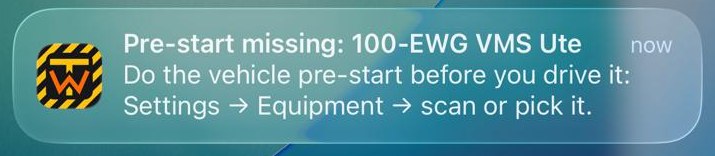
Whoever drives the ute is reminded to do its pre-start first.
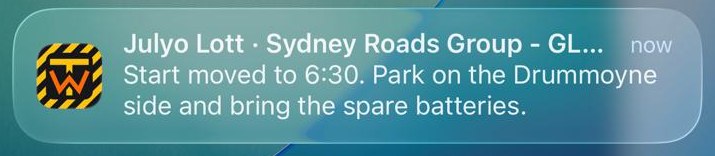
Office messages are saved for assigned crew, with phone push where available.
Review saved portal alerts and configured email notifications. Timing depends on connectivity, scheduled processing and provider delivery.
Who declined, which day and why, so you can re-cover it fast.
12 hours before the start: who still hasn't answered.
An overdue on-site response can be flagged for the office to investigate.
Every evening: tomorrow's shifts with nobody rostered.
Submitted signed timesheets appear for office approval as changes sync.
Every Monday: rostered crew whose tickets run out within 30 days.
Over 12 hours a day, 50 a week or under 10 hours' rest, flagged as you roster.
A ute or TMA off the road is flagged the moment crew report it.
New licences and tickets from crew, waiting for your tick.
Booking requests are saved and an office notification is queued.
Track registration, CTP, insurance, roadworthy, services and radio licences. Enter accurate expiry dates and configure required records for reminders and allocation checks.
Registration, CTP, insurance, roadworthy, warranty, lease and permits, with the insurer and policy number.
Intervals by date or by km/hours. Mark it done and the next due date works itself out.
Rego papers, policies, inspection certificates, manuals, radio licences and invoices: up to 60 per asset.
The asset, its plates, and its condition when it went out and came back.
Services, repairs, damage, meter readings and costs, plus which shifts it went on and who had it.
Stick a QR label on every asset. The crew scan it in the app, tick the checklist and photograph any fault. A failed critical check takes it off the road on the spot.
Track reported defects, repair costs and saved location updates. GPS integration requires a supported, configured source.
An expired rego, CTP, insurance or roadworthy, or a trip to the workshop, and the asset can't be put on a shift.
Company access checks keep each operator register separate. Authorised platform support and infrastructure processing are described in the Privacy Policy.
Day shifts, night works, city streets and country highways. TrafWise works wherever your crews do.


"The office can roster shifts and see which workers have answered before the day starts."

"A worker submits a timesheet with their signature and the site manager's signature for office approval."

"The office configures required qualifications and checks current evidence before allocating workers."

Connect a supported accounting account, review employee and client mappings, and export an approved period. Invoice creation requires your configured hourly rate. Payroll rates, tax treatment and imported records must be reviewed in your accounting system.
Priced per active crew member. No setup fees. No lock-in contracts.
Founding customer offer: the first 20 companies to subscribe get 50% off for 12 months, applied automatically at checkout. 14-day free trial for up to 10 crew; bigger teams get a guided pilot. Book a demo
Subscription prices are in AUD and tax inclusive where applicable. Billing is per active crew member, minimum one. Quantity changes are prorated on the next invoice; Starter supports up to 25 active crew.
For small crews getting off paper.
For growing traffic control companies.
Multi-region operators and councils.
Contact our support team if you need help choosing or setting up your workflow.

TrafWise supports traffic control operations with company-configured qualification requirements, current document signatures, shifts and approved timesheets. Your office sets the required evidence for each role and reviews payroll and accounting rules.
Supported actions can be queued on the device for previously loaded shifts. Reconnect and check confirmed submission; sign-in, fresh downloads and provider exports require a connection.
Create your company, add crew and clients, and configure qualifications and billing. Setup time depends on your records; contact us to discuss onboarding assistance.
Clients can submit booking requests. Crew collect the site manager signature in the field app before the office reviews the submitted timesheet.
The primary Firestore database and uploaded-file storage are in the United States. Vercel uses a global network and AWS email is sent from Sydney. See the Privacy Policy for overseas processing and backup details.
Monthly plans renew monthly; annual plans renew annually at the displayed annual price. Cancel future renewal at any time; access continues for the paid period.
Start your 14-day free trial or request a personal demonstration. We will contact you to arrange a time.
We will use this email to help with your trial request. Privacy notice
✓ Free for 14 days ✓ No credit card ✓ Cancel any time